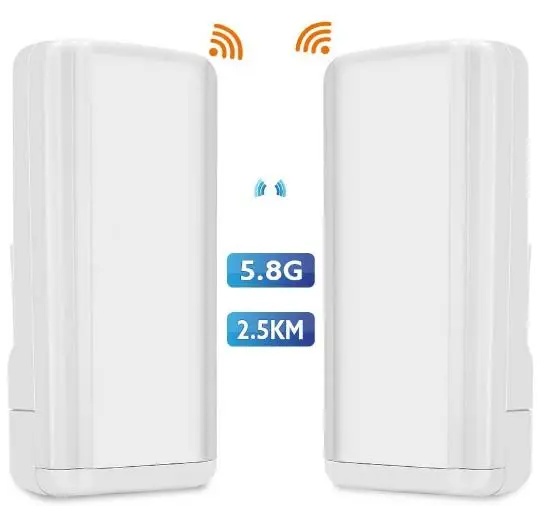
SX-8881CS02 - 5.8GHz Wireless Bridge
Contents:
- Warning Notes
- Accessing the Web Configurator
- Configuration
- Documents
- Specification
- Teardown
- References
[Top][Home]
NOTE as at August 2026
This device is so unreliable with the devices dropping off the network and reappearing with no explanation,
and the management software so primitive, I have completely given up on this product and purchased a pair of TP-Link CPE510's.
[Top][Home]
Warning Notes
NOTE 1: After restoring the factory settings, the IP address of both CPE devices is 192.168.0.1.
This is different from the IP address on the label on the back of the CPE devices.
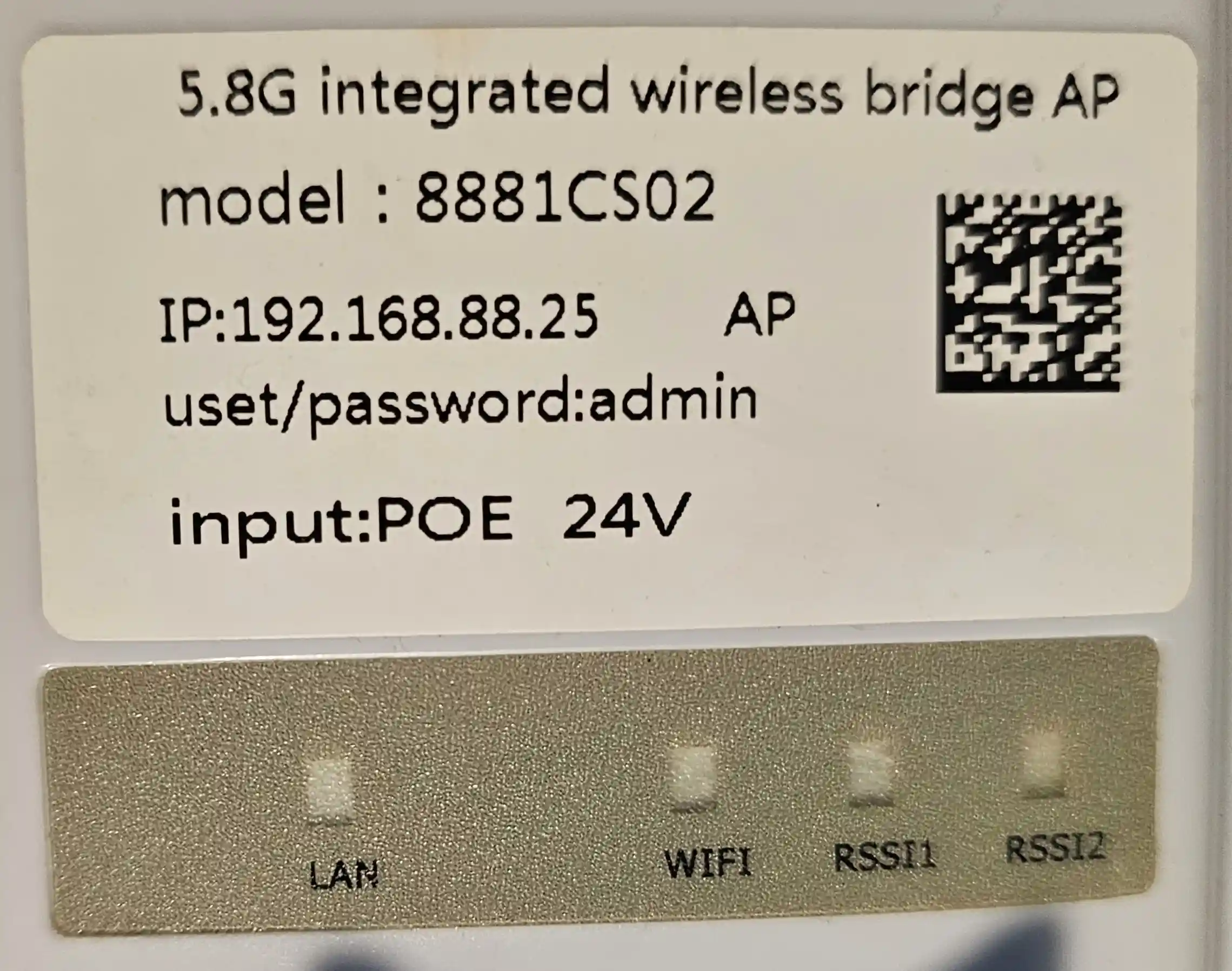
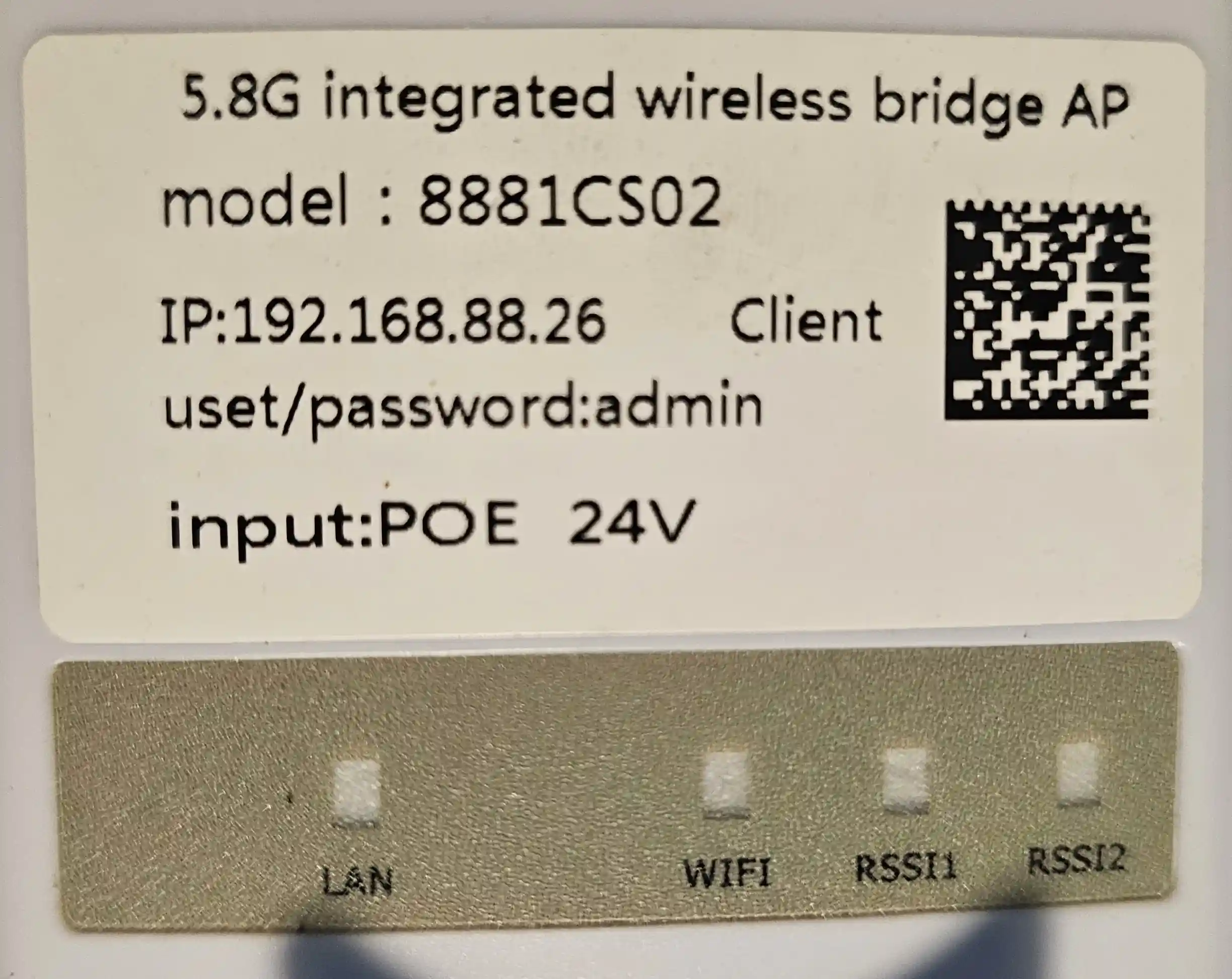
The "Master" unit is labeled "192.168.88.25 AP" is at 192.168.0.1 after pressing the reset button.
The "Slave" unit is labeled "192.168.88.26 Client" is at 192.168.0.1 after pressing the reset button.
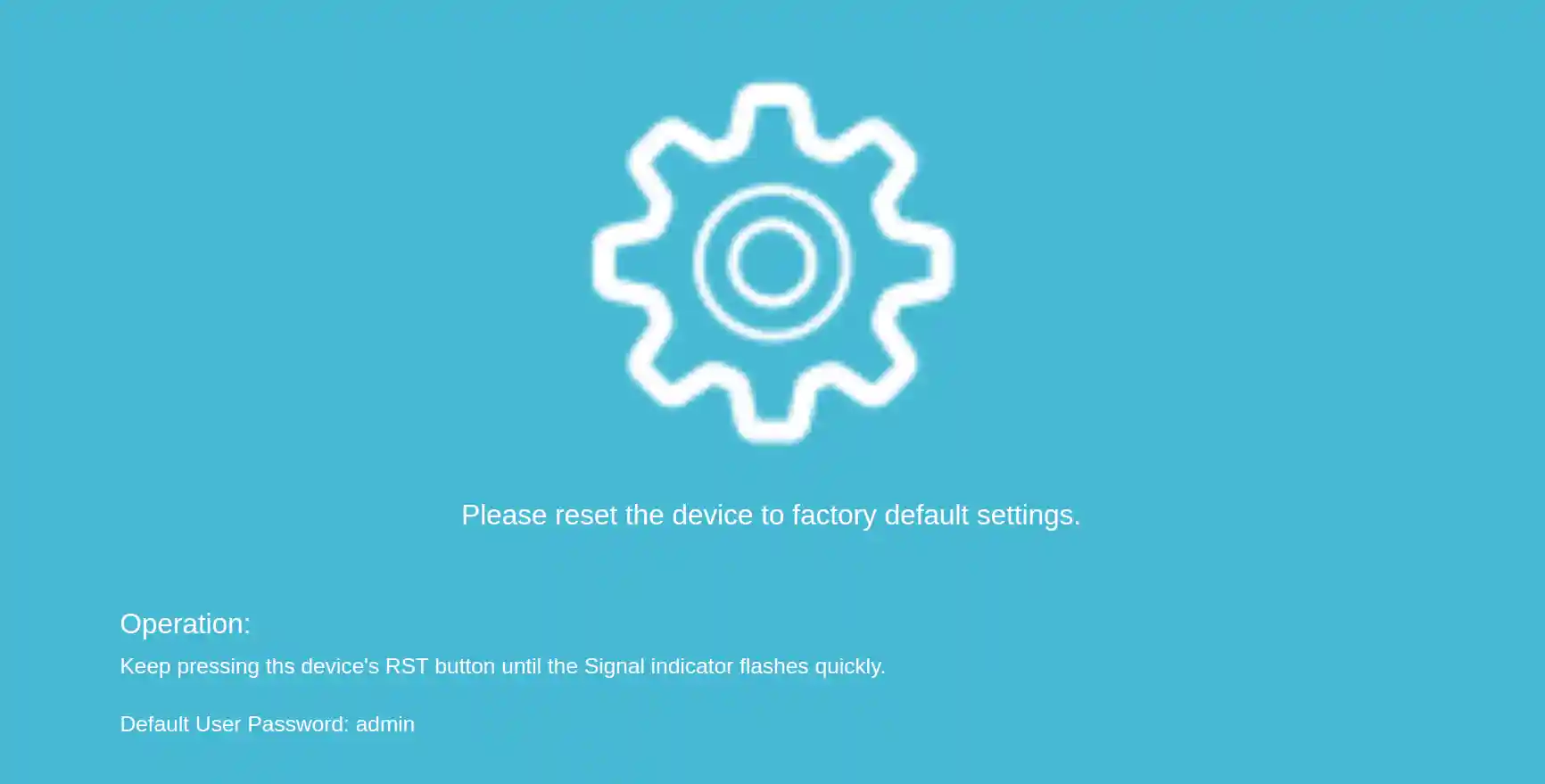
NOTE 2: After changing the password from "admin" to one more secure, I did a reset and
the password remained unchanged and was not reset to "admin" as the forget message in the
configurator suggested. Make carefull note of any password changes you make:
The "Master" unit is labeled "192.168.88.25 AP" is at 192.168.0.1 after pressing the reset button.
The "Slave" unit is labeled "192.168.88.26 Client" is at 192.168.0.1 after pressing the reset button.
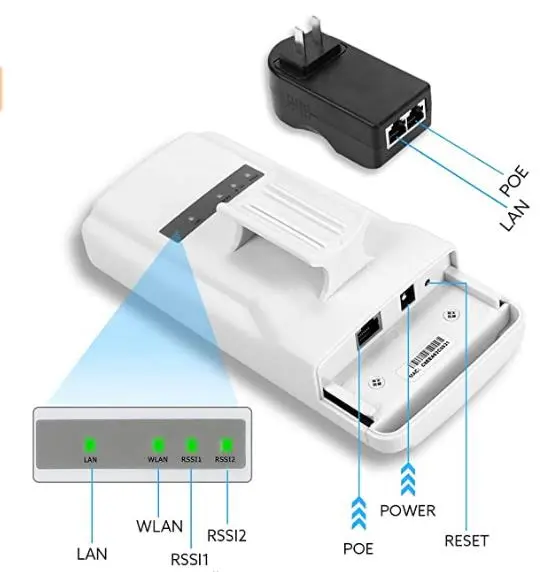
The devices work equally well powered by a 12VDC, 2Amp Power supply and a POE injector at 24VAC and 0.5Amp.
NOTE 3. Most 24VAC injectors as passive. That is, they are constantly on, and do not sense the power
requiremnts like most of the 48VAC injectors do. Be careful about connection the 24VAC injectors to network
devices that are not labled for these injectors.
[Top][Home]
di
Accessing the Web Configurator
- Power up both devices
- Reset both devices to 192.168.0.1, using the Reset button
- Create a network interface on a workstation on 192.168.0 segment, other than 192.168.0.1.
- Connect the ethernet cable to the "Master" (AP). No need to connect the "Slave" (Client).
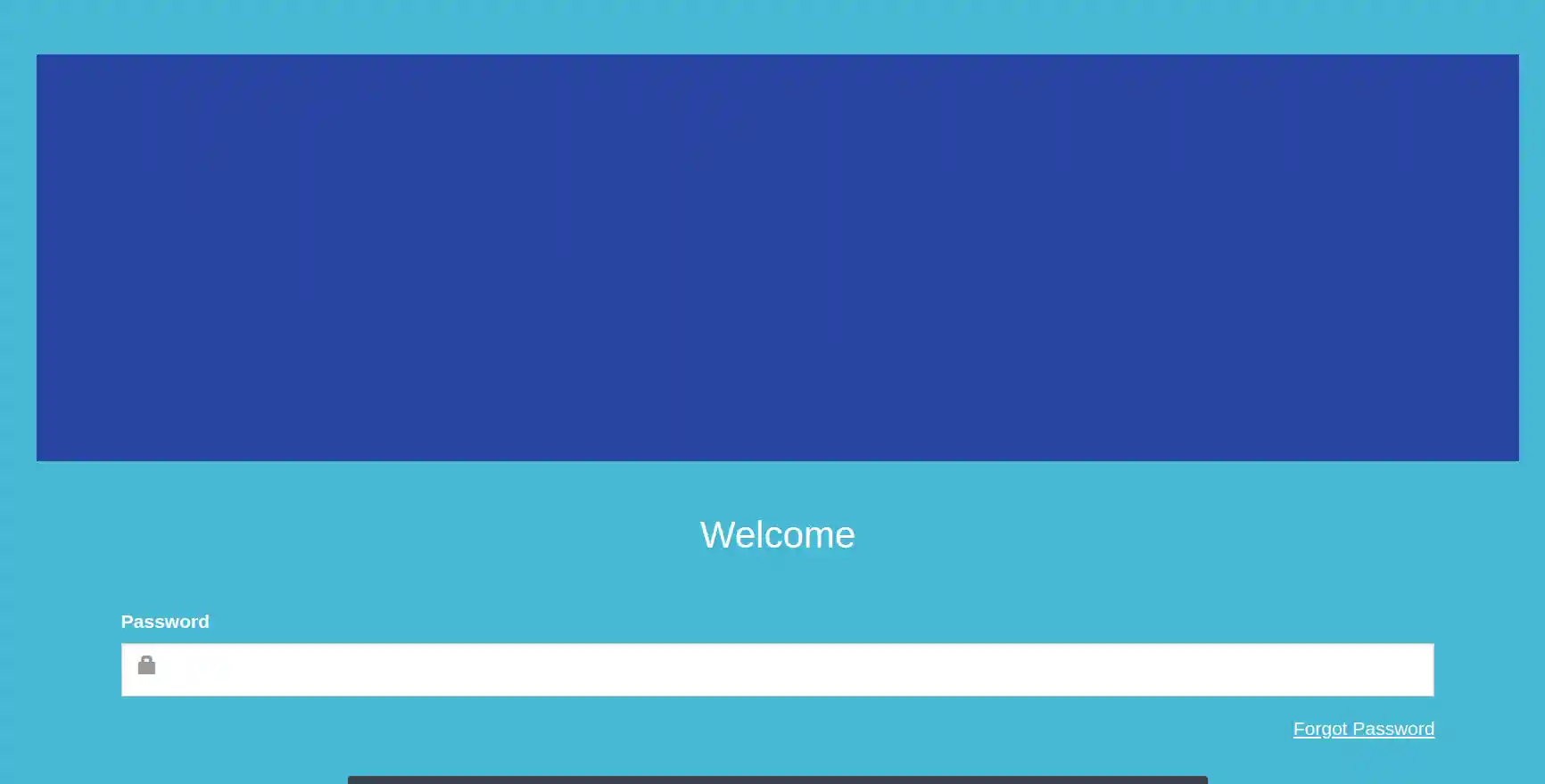
- In a browser connect to 192.168.0.1. You should see the 8881CS02's Web Configuration page.
The url "192.168.0.1" redirects to http://192.168.0.1/mobile/login.asp:
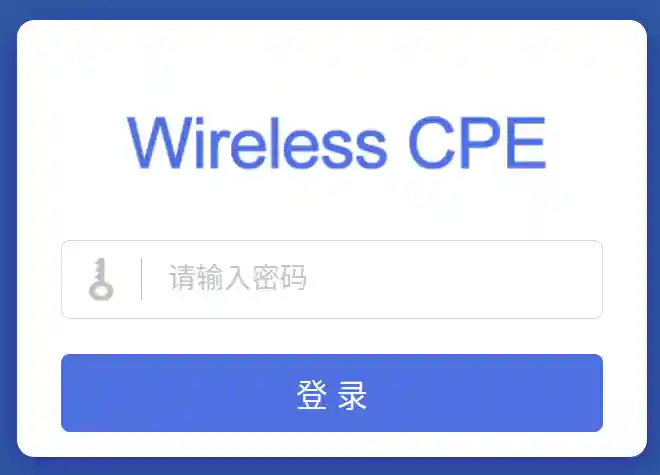
The url "http://192.168.0.1/login.asp" present a different style configuration page.
The login name and password are the same and b oth interfaces appear to provide the same functionallity:
- I set the Master/AP unit to 192.168.0.25
- Disconect the Master and connect the Slave/Client and I set this unit to 192.168.0.26
[Top][Home]
Configuration
Mibile Main Menu:
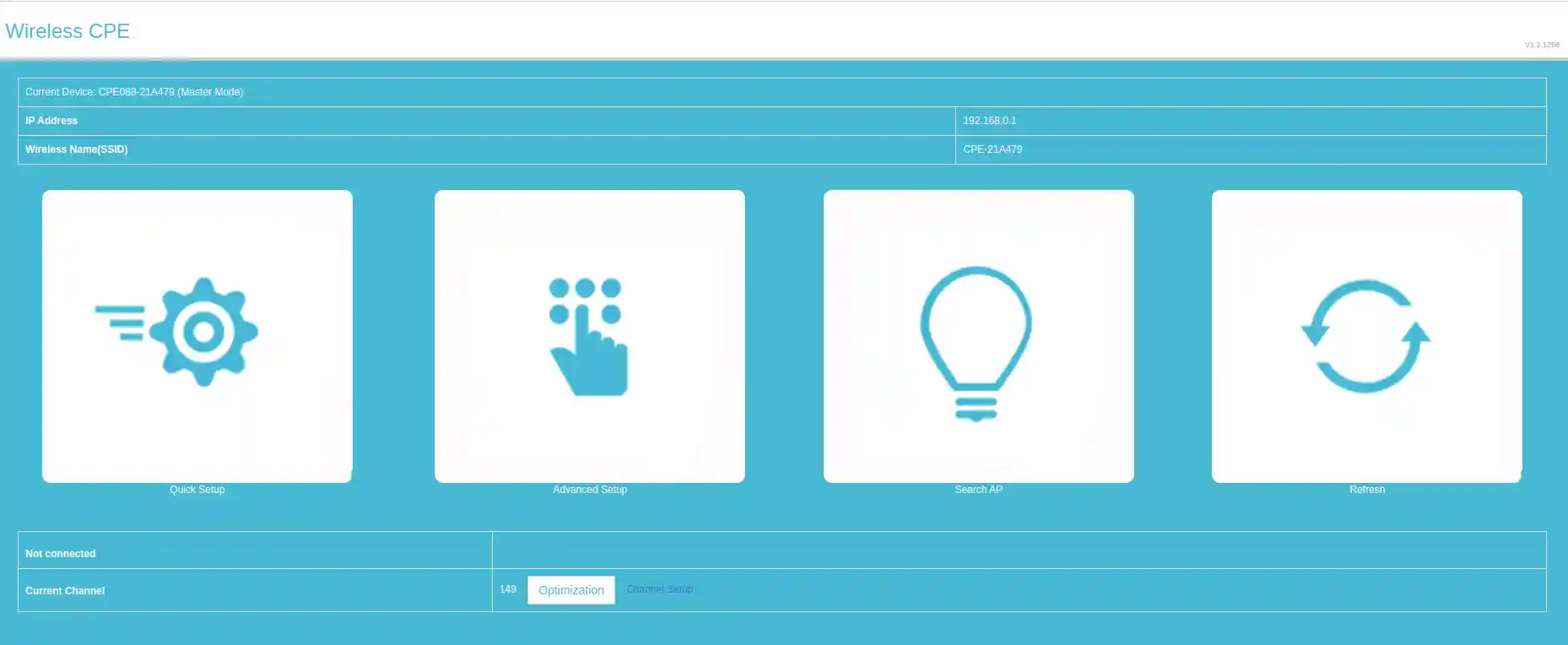
Standard Main Menu:
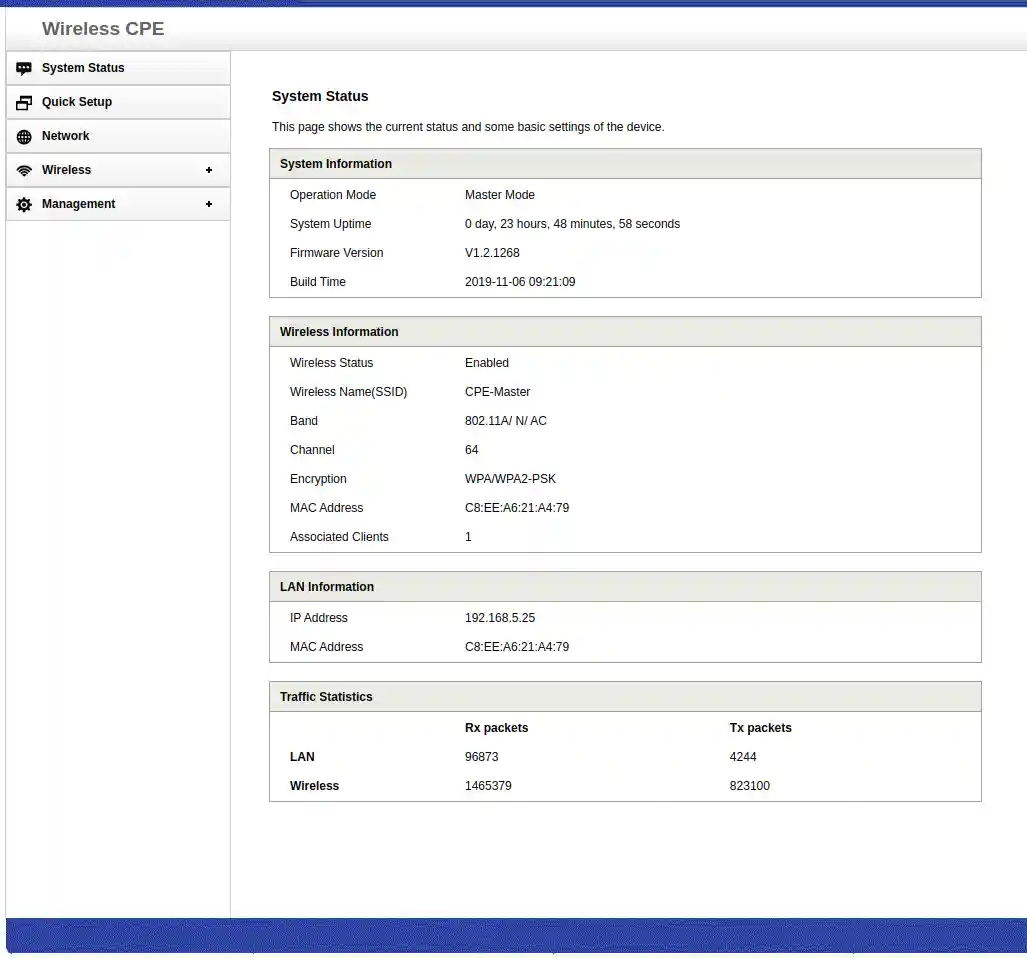
[Top][Home]
Documents
User Instructions - CPE8881 - Outdoor Wireless WiFi Bridge:
https://www.manualslib.com/download/3011500/Tomlov-Cpe8881.html
[Top][Home]
Specification
MAC address prefix C8:EE:A6 is registered to Shenzhen SHX Technology Co., Ltd
| Hardware Specification: |
| CPU | Realtek RTL8881 533MHz |
| Manufacturer | Shenzhen SHX Technology Co. Ltd. |
| Standards Comply | IEEE802.11a/n/ac, IEEE802.3u, IEEE 802.3x |
| DDR | 32Mbyte |
| FLASH | 8Mbyte |
| Power Supply | DC 12V, passive POE 24V |
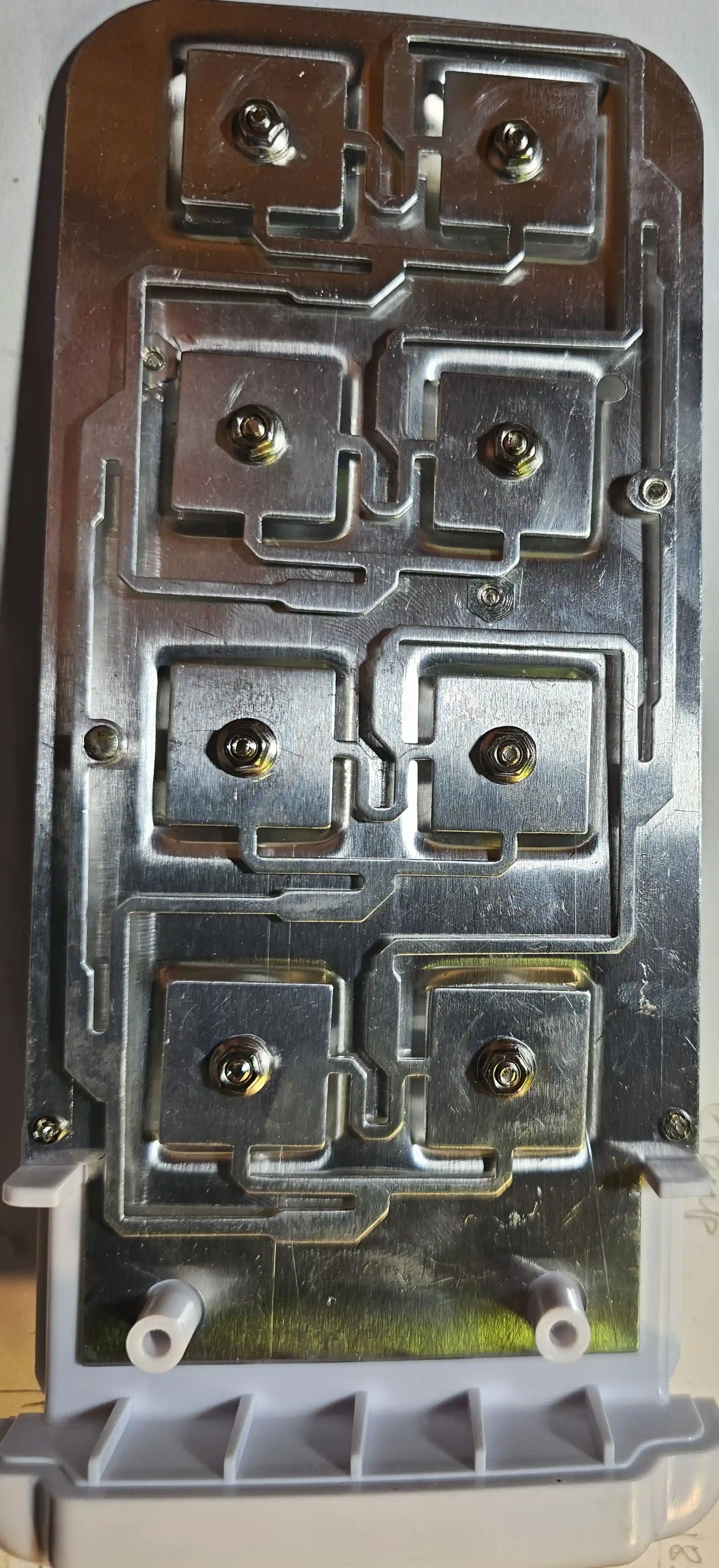
| Antenna | Internal 12dBi directional panel dual-polarization antenna (horizontal beam 60º, Vertical beam 25º) |
| RF Power | 5.8GHz 20.0 ± 2.0dBm |
| Ethernet Ports | 1 10/100Mbps RJ45 LAN Ports |
| Reset Button | 1x Reset button, Restore factory default settings |
| Firmware upgrade | Through Web and TFTP |
| LED Indicators | LAN,WLAN,RSSI1,RSSI2 |
| Data Transfer Rate | 5.8GHz 450Mbps |
| Transmission Type | DSSS |
| Modulation Type | OFDM/BPSK/QPSK/CCK/DQPSK/DBPSK |
| RF Frequency range | 5.180 GHz ~ 5.850 GHz (Channel 36~165) |
| Product Size | 210*95*68mm |
| Working Temperature | -20~+60°C |
| Working Humidity | 10%~95% RH (non-condensation) |
| Lightning Protection | Common mode 1.5KV, differential mode 1KV |
[Top][Home]
Teardown
SX-8881CS02 with antenna on the rear side:
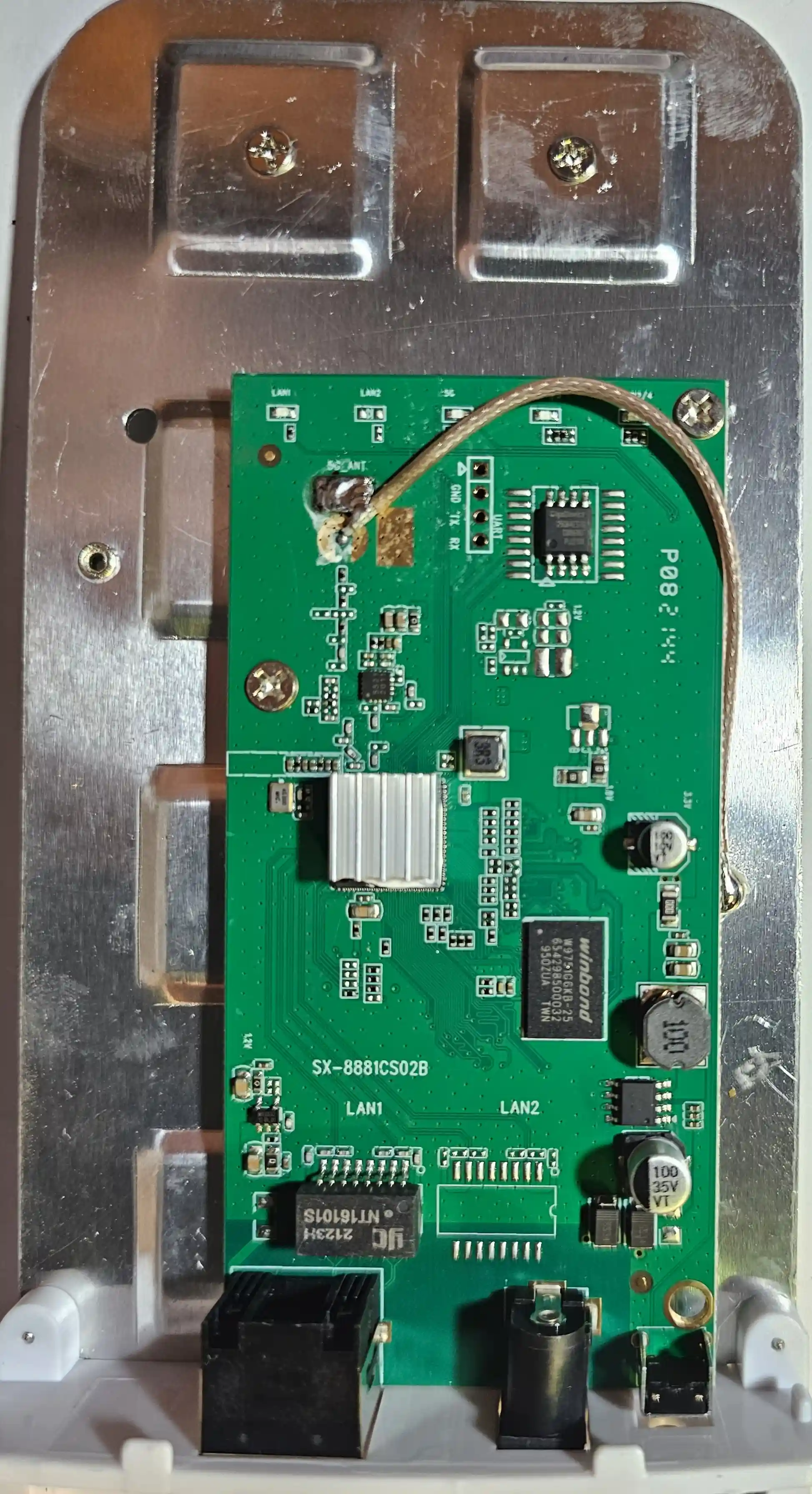
unknown chip under the Heatsink - 8881CS02B?:
Similar to RTL8881 - Realtek - 802.11ac 10/100M Ethernet AP/Router Network Processor:
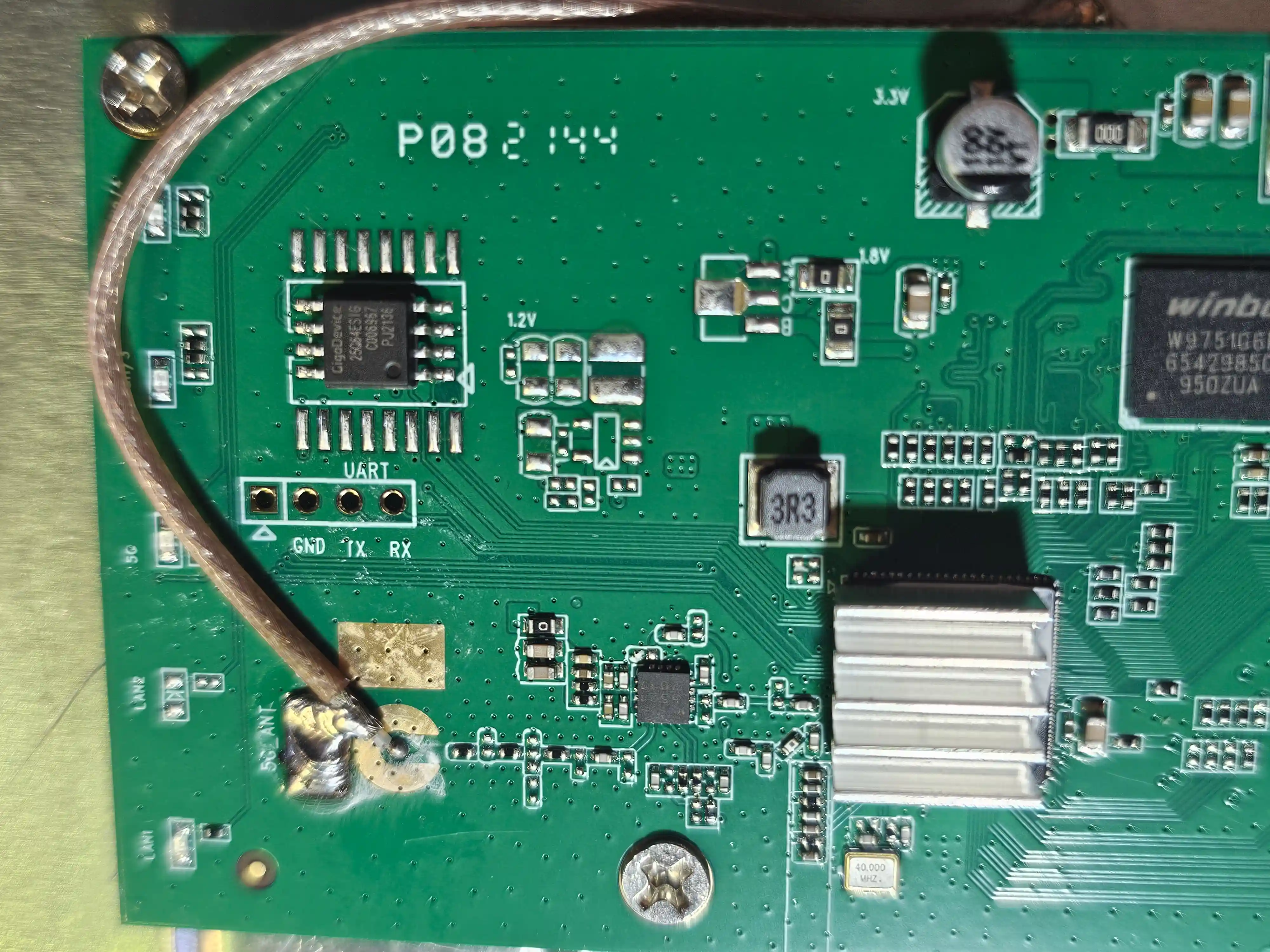
W9751G6KB-25 - Surface Mount 84 Pin Memory IC 512 Mb kb 12.5mm mm 165mA:
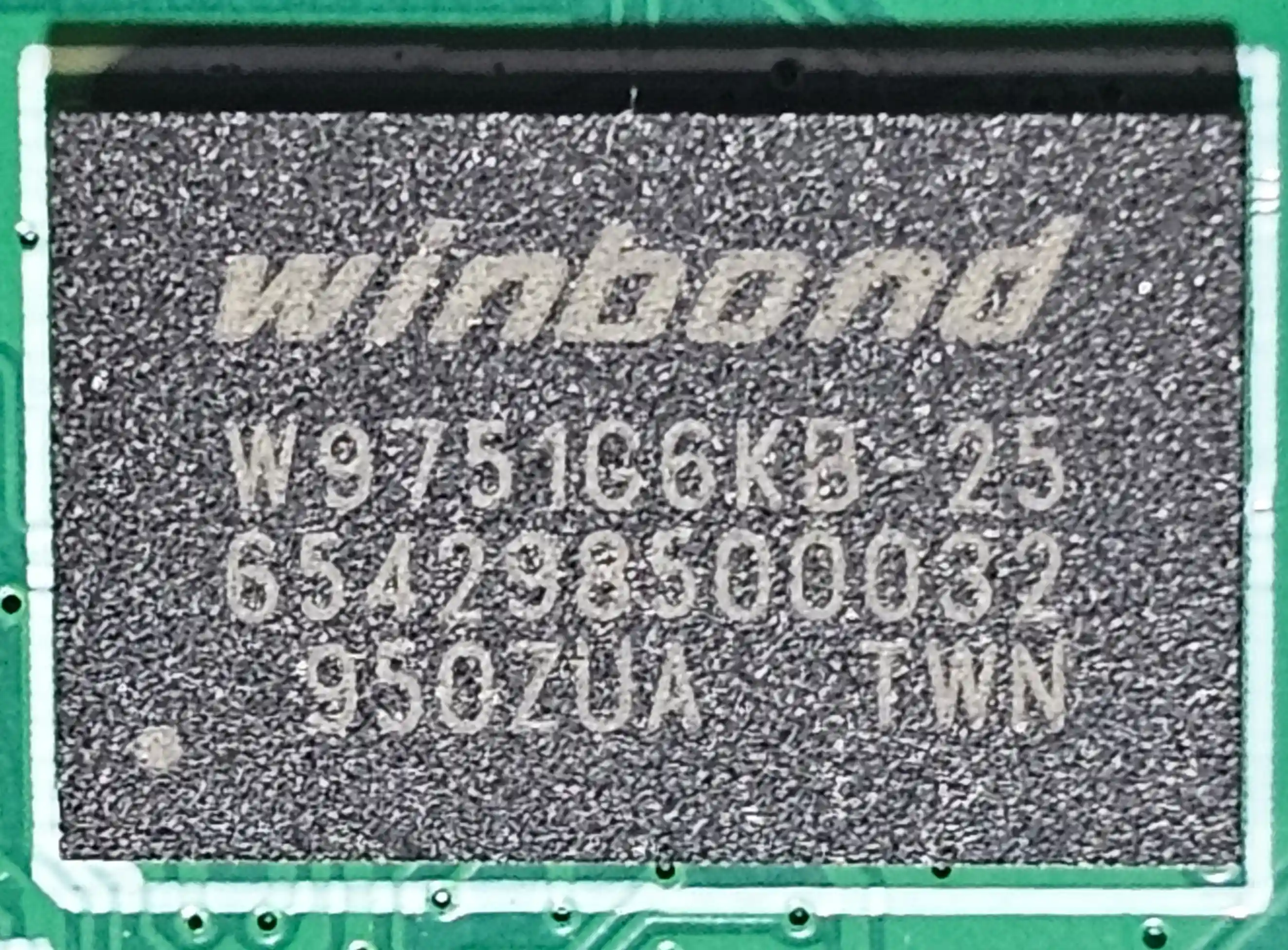 Datasheet :
https://file.aichiplink.com//r/datasheets/winbond-w9751g6kb25-datasheets-7506.pdf
Datasheet :
https://file.aichiplink.com//r/datasheets/winbond-w9751g6kb25-datasheets-7506.pdf
LAN Chip:
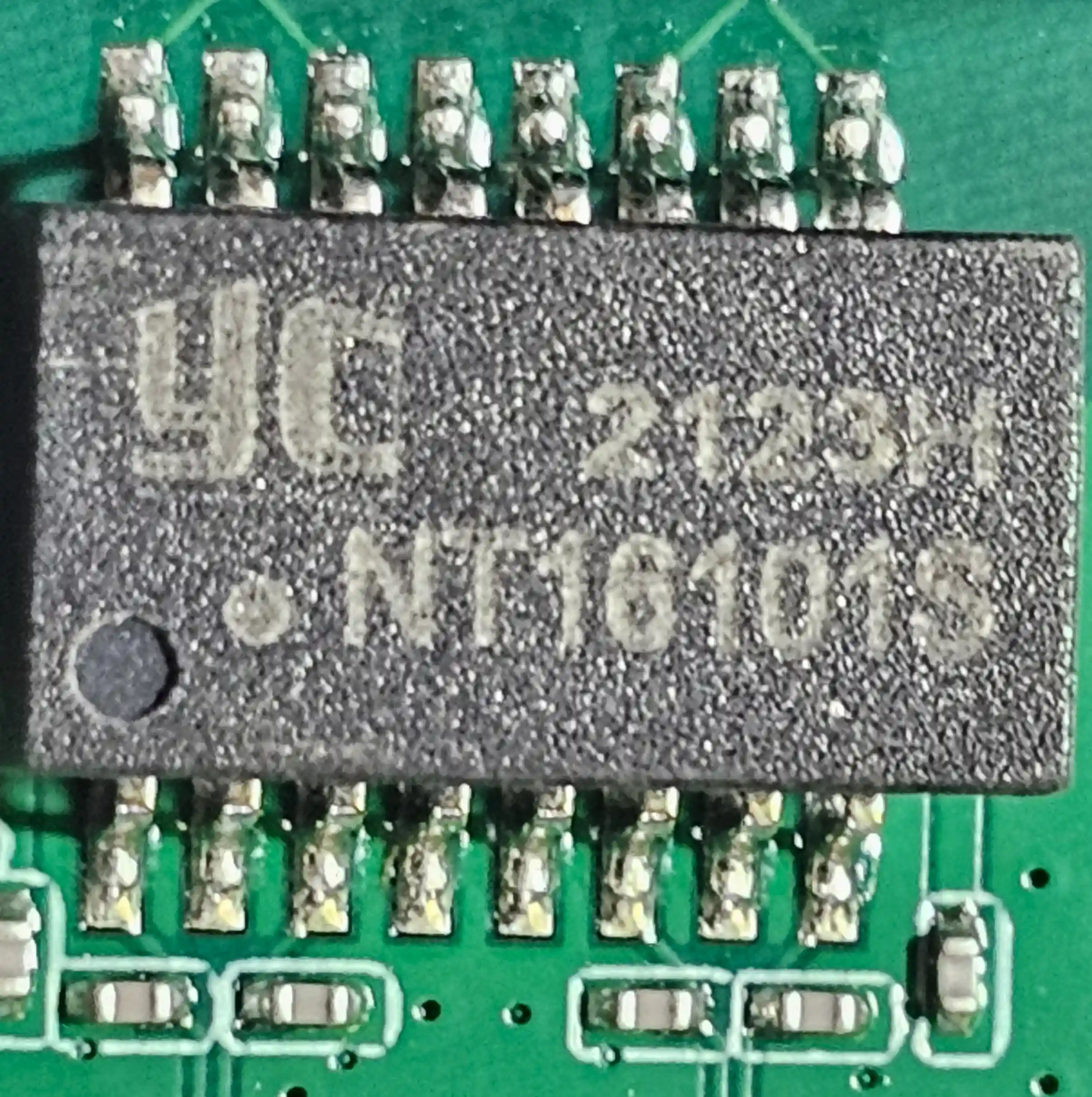
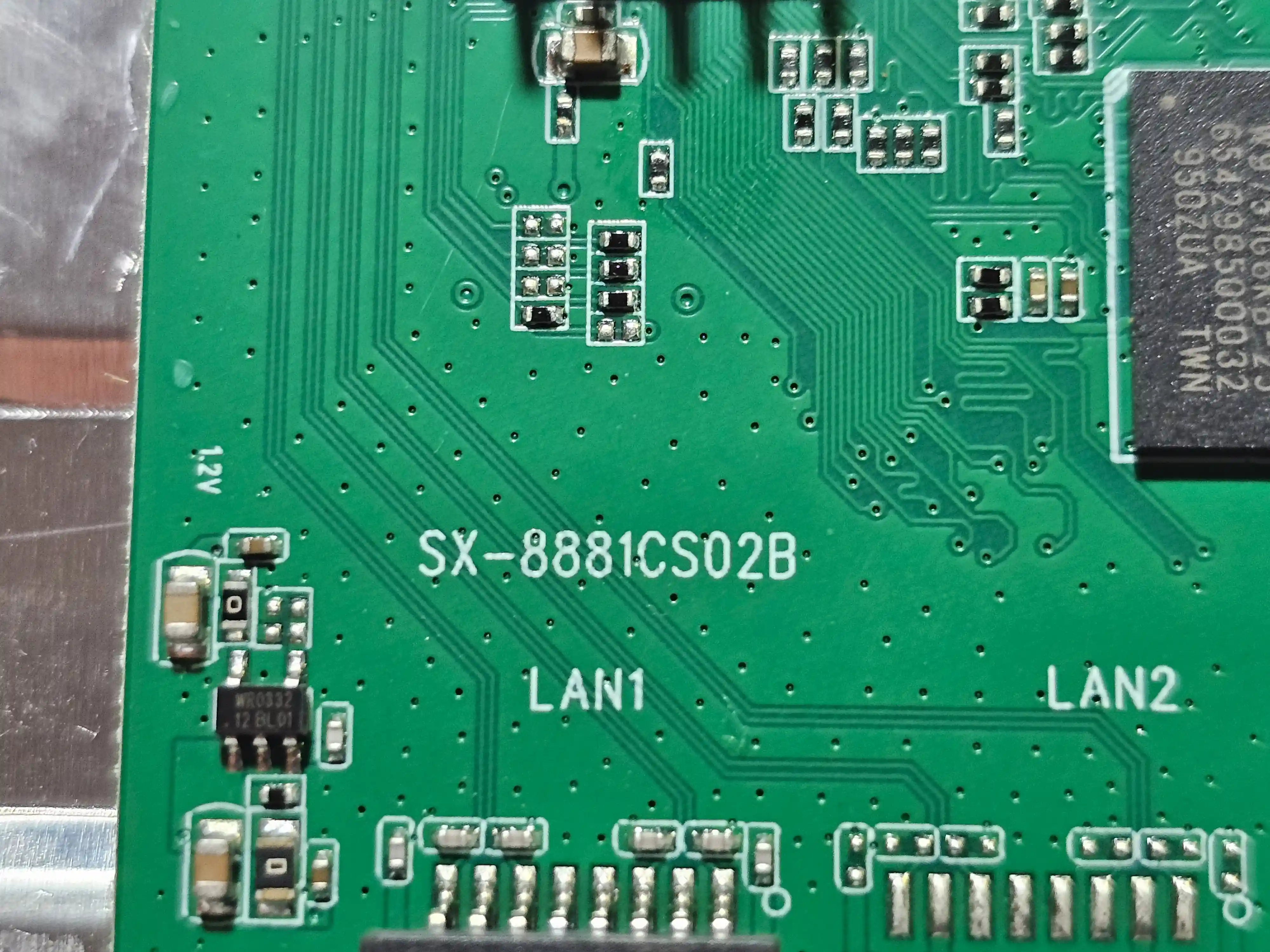
Board Label:
UART Chip:
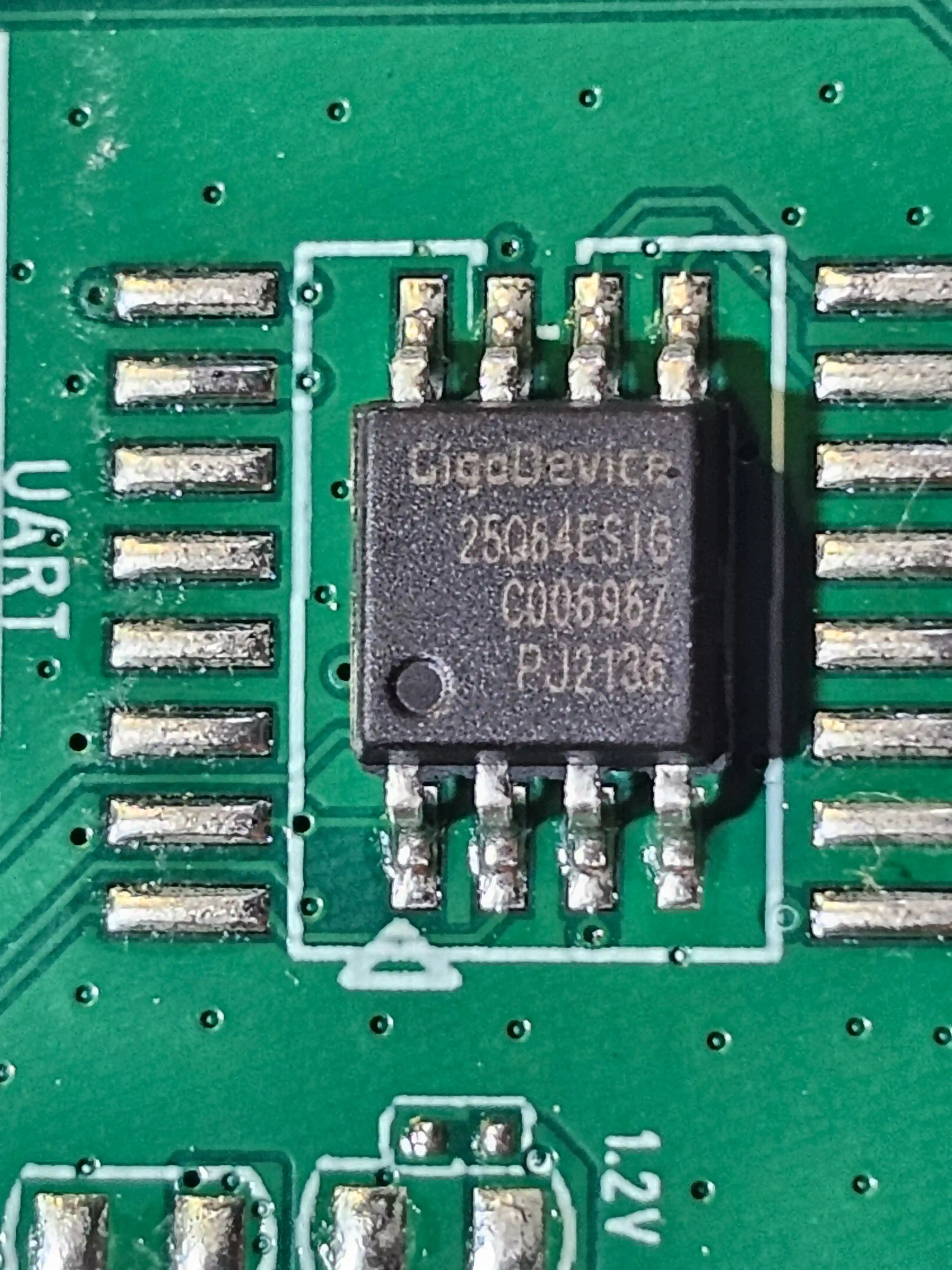
[Top][Home]
References
CPE (Customer Premise Equipment), literally translated as Customer Premise Equipment, is actually a mobile
signal access device that receives mobile signals and forwards them with wireless WIFI signals. CPE is a
device that can convert high-speed 4G/5G signals into WiFi signals, and the number of mobile terminals that
can support the Internet at the same time is also large. CPE can be widely used in rural areas, towns,
hospitals, units, factories, communities, etc. It can be used for wireless network access, which can save
broadband costs and eliminate wiring links.
What is CPE? What are the classifications of CPE?:
https://www.niubol.com/Technical-Support/60.html
Introduction to Operation Modes (CPE and WBS):
https://www.tp-link.com/us/configuration-guides/introduction_to_operation_modes_cpe_and_wbs_/?configurationId=18702#_idTextAnchor000
[Top][Home]
Glenn Lyons VK4PK
glenn@LyonsComputer.com.au
Ver:gnl20241216 - pre published v0.9