IC-705
Contents:
- Documentation
- Modifications
[Top][Home]
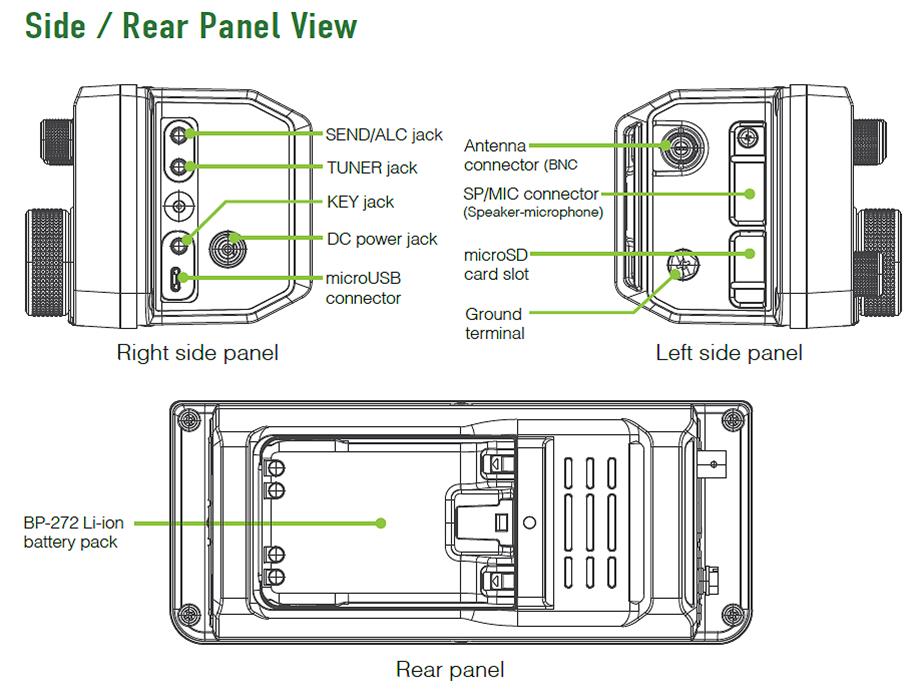
[Top][Home]
Installing WSJT-x
Configure Audio:
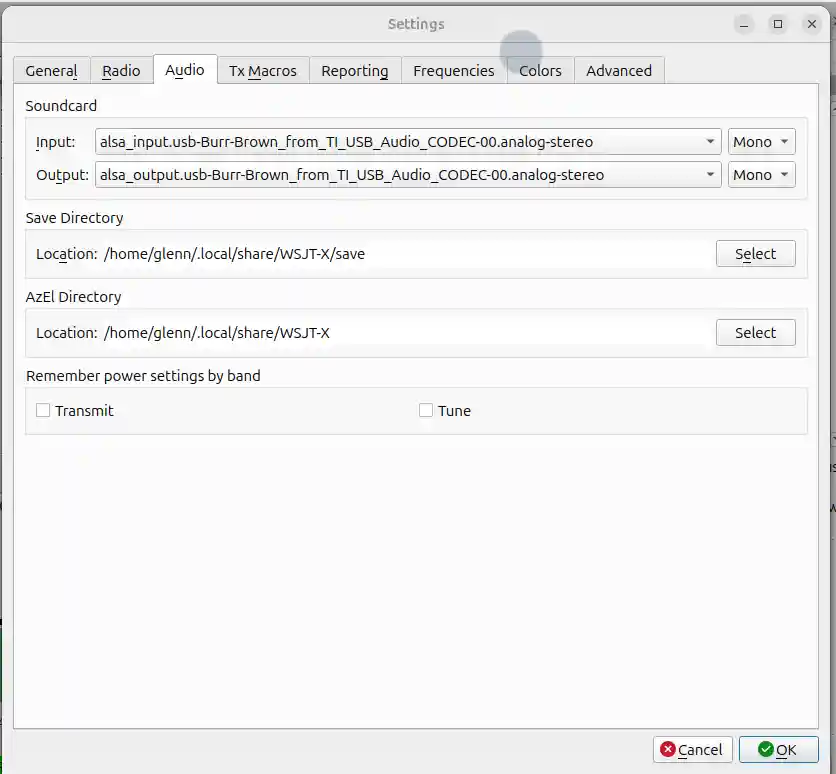
[Top][Home]
Firmware Upgrade to Vesion 1.40
- Check the firmware version.
Menu → SET → Others → Information → Version
The "Main CPU: indicates the current firmware version
- Download 705E140.zip from
https://www.icomjapan.com/support/firmware_driver/4422/
and extract 705E140.dat
- Copy the dat file to the IC-705 folder oj the SD-Card.
- Insert the SD-Card gold pin towared the front
- Menu → SET → SD CARD → Firmware Update and answer "YES">
- Answer "YES" or "NO" to Backup
- Select the Firmware file
- Select "YES" and hold for a couple of seconds
[Top][Home]
Documentation
Advanced ManCIV settings on the icomual As of July 2020:
docs/IC-705_ENG_Advanced_0.pdf
CI-V Reference Guide:
docs/IC-705_ENG_CI-V_1.pdf
Programming Software CS-705:
docs/CS-705_IM_ENG_0.pdf
[Top][Home]
Modifications
http://www.carnut.info/IC-705/ICOM_IC-705.html#ATU100
[Top][Home]
Glenn Lyons VK4PK
glenn@LyonsComputer.com.au
Ver:gnl20201020 - pre published v0.9